
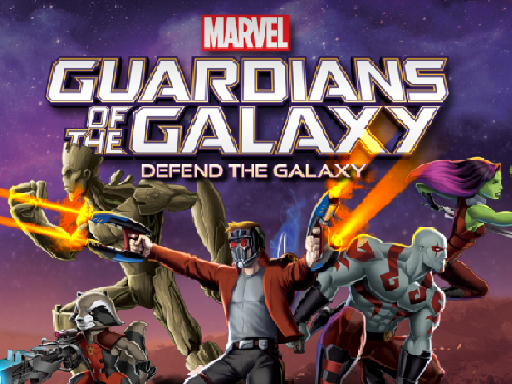
Auto-Fire Combat and Positioning
In Galaxy Rescue Arcade, your ship's main weapons fire automatically at nearby enemies. That frees you to focus on moving the craft with your mouse or finger, dodging incoming fire, and staying within range so your guns can do their job. The result is a control scheme that newcomers can pick up quickly, while experienced players still need to read enemy patterns and manage spacing.
Special Attacks and Power-Up Decisions
When a cluster of foes gets too close, a special attack deals extra damage to surrounding ships. You also collect power-ups: missiles deliver heavy damage to nearby enemies, and scatter shot widens your firing range and speed. Choosing when to trigger specials and which pickups to prioritize adds a tactical layer on top of the automatic shooting.
Rescue Missions and Ally Support
Each run centers on reaching teammates and deploying a rescue ability once you get close enough. That means you cannot simply clear enemies from a distance; you must push toward the rescue point while managing your health bar, which drops when enemy fire connects. Health kits appear during play and should be collected promptly to keep the rescue attempt alive.
Difficulty Options and Family-Friendly Design
Adjustable difficulty levels let you scale the challenge to your comfort. The game avoids graphic violence, focusing instead on teamwork and strategy, which makes it suitable for all ages. The mix of automatic firing and manual special attacks creates a loop that can be relaxing or demanding depending on the setting you choose.





Editorial Notes