
What You Actually Do
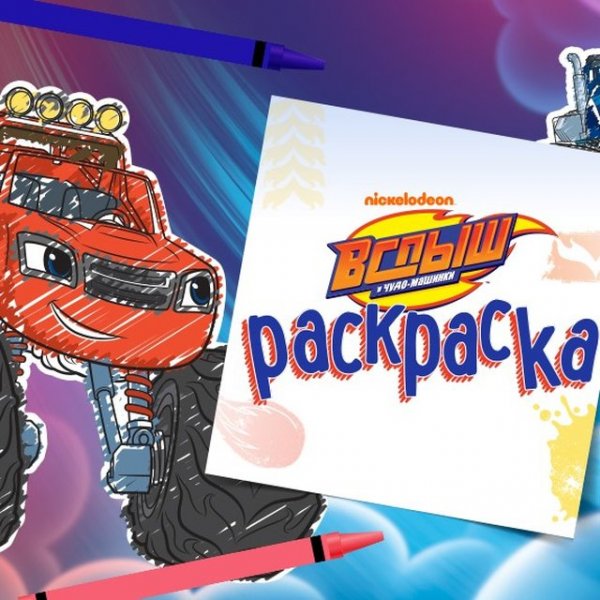
Nickelodeon Character Coloring Studio is a digital coloring book for children aged 3 and up. The objective is simple: choose a black-and-white drawing of a Nickelodeon character, then fill its sections with color. There is no timer, score, or fail state. The entire activity is about selecting colors and applying them to the areas you want to change. Because the drawings are already outlined, the game removes the pressure of drawing from scratch and lets young children focus on color choice.
Tools and How They Behave
A toolbar at the bottom of the screen holds the available tools. Felt-tip pens and paint options let you apply color by tapping or clicking a region. The basket icon clears the whole canvas, which is useful when a child wants to restart without navigating away. The line tool helps color inside or outside the drawn outlines, giving some control over how precise the fill looks. An eraser removes unwanted marks, and an undo feature reverses recent actions. Stickers can be placed on the artwork as extra decoration. These tools are presented as icons rather than text menus, which keeps the interface usable for pre-readers.
Designed for Young Children
Every design decision in the studio points toward accessibility for its target age group. The interface is simple and intuitive, with large touch targets and no text-heavy instructions. The game runs in modern web browsers using HTML5, so it works on PCs, tablets, and smartphones without installing anything. This cross-device consistency matters for families who switch between a home computer and a tablet. The content is family-friendly by design, with no violent or inappropriate material, and the coloring activity itself supports fine motor skill development through repeated tapping and dragging.




Editorial Notes