
Building Your Avatar
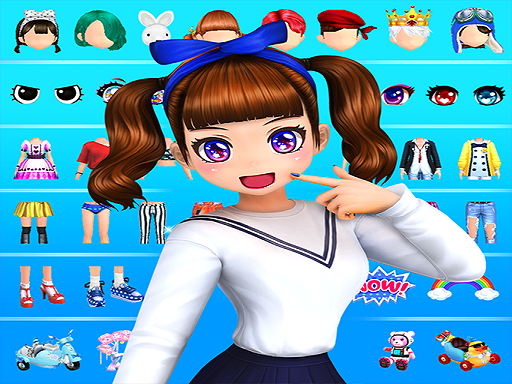
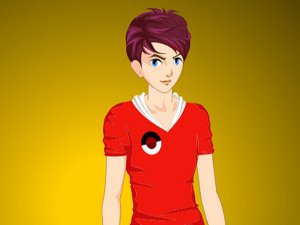
Every session begins with a base avatar. From there, you shape the character's appearance by choosing face shapes, hairstyles, and eye colors. These foundational choices set the tone for the outfit that follows, and because the avatar is rendered in 3D, small adjustments to features remain visible from multiple angles.
Wardrobe and Accessories
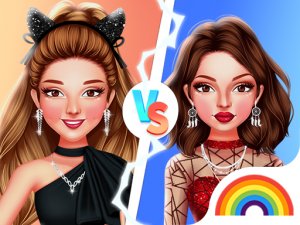
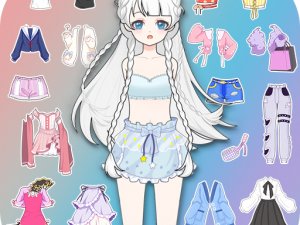
The core activity is browsing a large collection of clothing and applying items to your avatar with drag-and-drop controls. Tops, bottoms, and dresses form the main outfit, while hats, jewelry, and shoes finish the look. Mixing pieces from different categories is encouraged, and the interface keeps the process simple enough for players of any skill level.
Scene Personalization
Backgrounds and stickers add another layer of customization beyond the avatar itself. You can place your character in different settings and decorate the scene to match a theme, turning a simple outfit into a complete composition. This makes each saved design feel like a small portfolio piece rather than just a dress-up exercise.
Posing and Saving
Once an outfit is complete, the avatar can be viewed in different poses to see how the design holds up from various angles. Finished looks can be saved for later editing or sharing. Saving multiple versions of the same concept lets you compare and refine over time, which is where the game's creative depth really shows.

Editorial Notes