
Building the Outfit
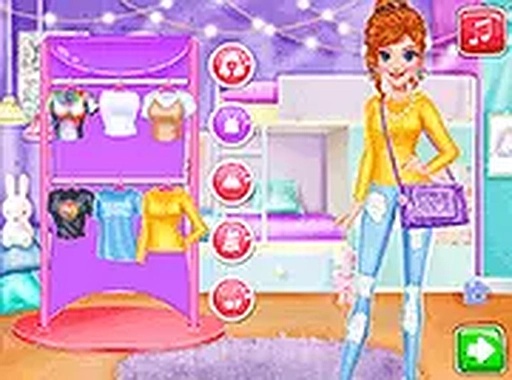
Each round starts in the wardrobe, where you choose clothing pieces for a character. The selection leans toward relaxed, contemporary styles: oversized tops, comfortable shorts, and classic denim. You can style each character independently, so combinations are not locked to a single template. The objective is an outfit that reads as both fashionable and effortless, which means balancing statement pieces against basics rather than piling on every available item.
Photo Session and Digital Touches
Once the outfit is set, the game shifts to a photo shoot. You select a background and a filter to establish the mood, then place stickers anywhere on the image. This stage is where color, composition, and theme decisions matter most, since the final photo is what gets judged. The tools are simple by design: no advanced editing, just enough choice to make each shot feel distinct.
The Social Competition
The finished photo is posted to a simulated social feed, where virtual likes accumulate and determine which character's style wins the round. That feedback loop is quick and low-pressure, which encourages trying new combinations instead of repeating a safe look. Because the competition is simulated, there is no real audience and no real stakes, only a score that reflects how well the photo performed.
Accessibility and Creative Freedom
Style Queens Photo Contest runs on desktop and mobile browsers without a download or account. Full-screen mode is available, and all interactions use mouse clicks or touch gestures, which keeps it approachable for younger players. There are no time limits or penalties, so you can experiment as long as you like and restart whenever a look is not working.







Editorial Notes