
Round-by-Round Decision Making
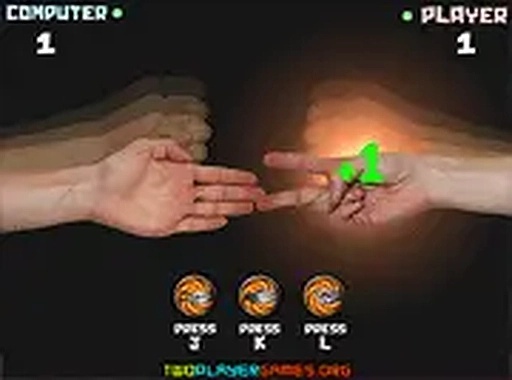
Each round asks for one choice: rock, paper, or scissors. The opponent — either the computer or a second player on the same device — reveals their pick at the same time. Standard rules decide the outcome: rock breaks scissors, scissors cut paper, paper covers rock. A point goes to the winner, and the score updates automatically. Matches typically end when someone reaches three points, so a full game rarely takes more than a few minutes. That short loop keeps the focus on reading your opponent rather than memorizing complex inputs.
Reading Patterns Against the Computer
Against a computer opponent, the game becomes a test of observation. Watch for tendencies in its choices across several rounds. If it favors rock early, leaning toward paper can shift the score. Mixing your own picks prevents the computer from settling into a predictable response. Because each round resolves instantly, you can adjust your approach mid-match without waiting through animations or menus. The result is a light strategic exercise disguised as a coin flip.
Local Play and Accessibility
The game supports local play, meaning two people can share one device and take turns choosing a symbol. That makes it a practical option for family gatherings or a quick break at work. The interface uses realistic hand gestures for each symbol, and a full-screen mode may be available for a larger view. It runs in any modern browser on desktop or mobile without installation or account creation. There is no violence, no inappropriate content, and no learning curve — the rules are explained in a single sentence.








Editorial Notes